From this page to the app
Tap the download button on this page
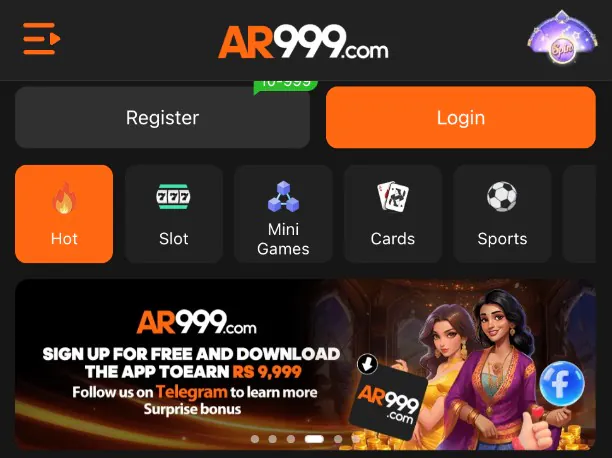
It opens the AR999 lobby in your browser. Nothing is downloaded yet.
Find the "Download now" bar
It sits at the very top of the lobby. Tap it.
Follow what your phone asks
Your phone may ask you to confirm the install. Check that the name says AR999 before you agree.
Open AR999
You can also skip the install
The lobby works in a normal phone browser. You can register, deposit and play there without installing anything. You can try it in the browser first and add the app later.
On iPhone
Open the lobby in Safari. If you want an icon on your Home Screen, tap Share, then "Add to Home Screen". This site does not link to an App Store listing, because we have not seen one.
What you need
- A phone
- with a current browser
- Internet
- mobile data or Wi-Fi
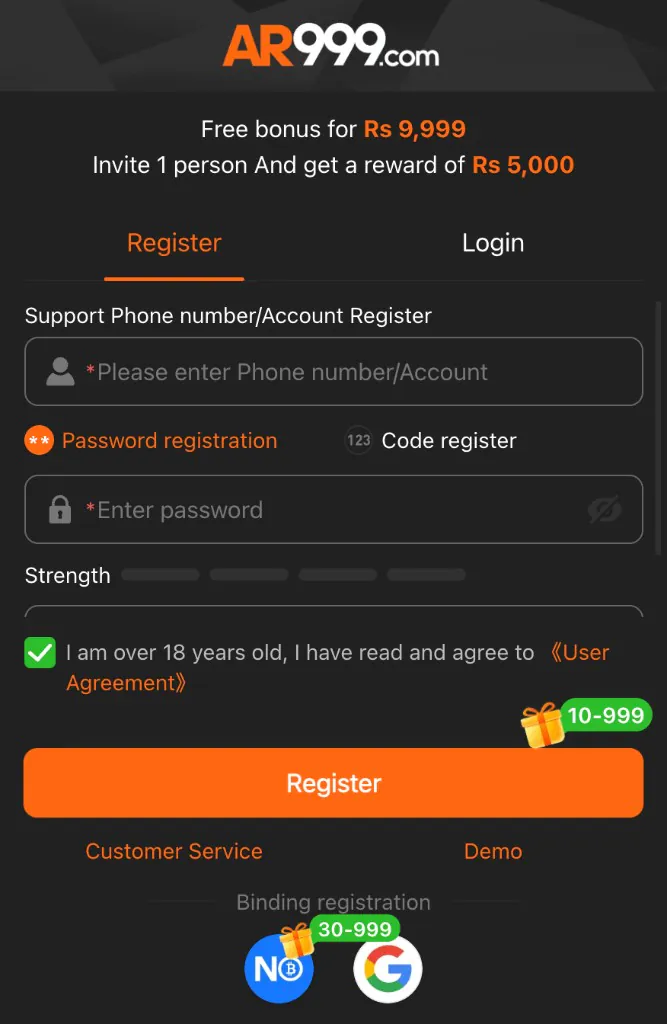
- For sign-up
- phone number or account name
We do not list an app size or version, because we could not confirm one.
Install safely
- Start from the lobby itself, not from a file someone sends you in a chat.
- Do not install copies that claim to be "modded" or "hacked". They are a common way to steal accounts.
- Never give your password or a one-time code to anyone, even someone who says they are from support.
- Keep your phone's own software up to date.
Stuck at any step? The support page shows where to ask, and the FAQ covers the common snags.